



Application Manager

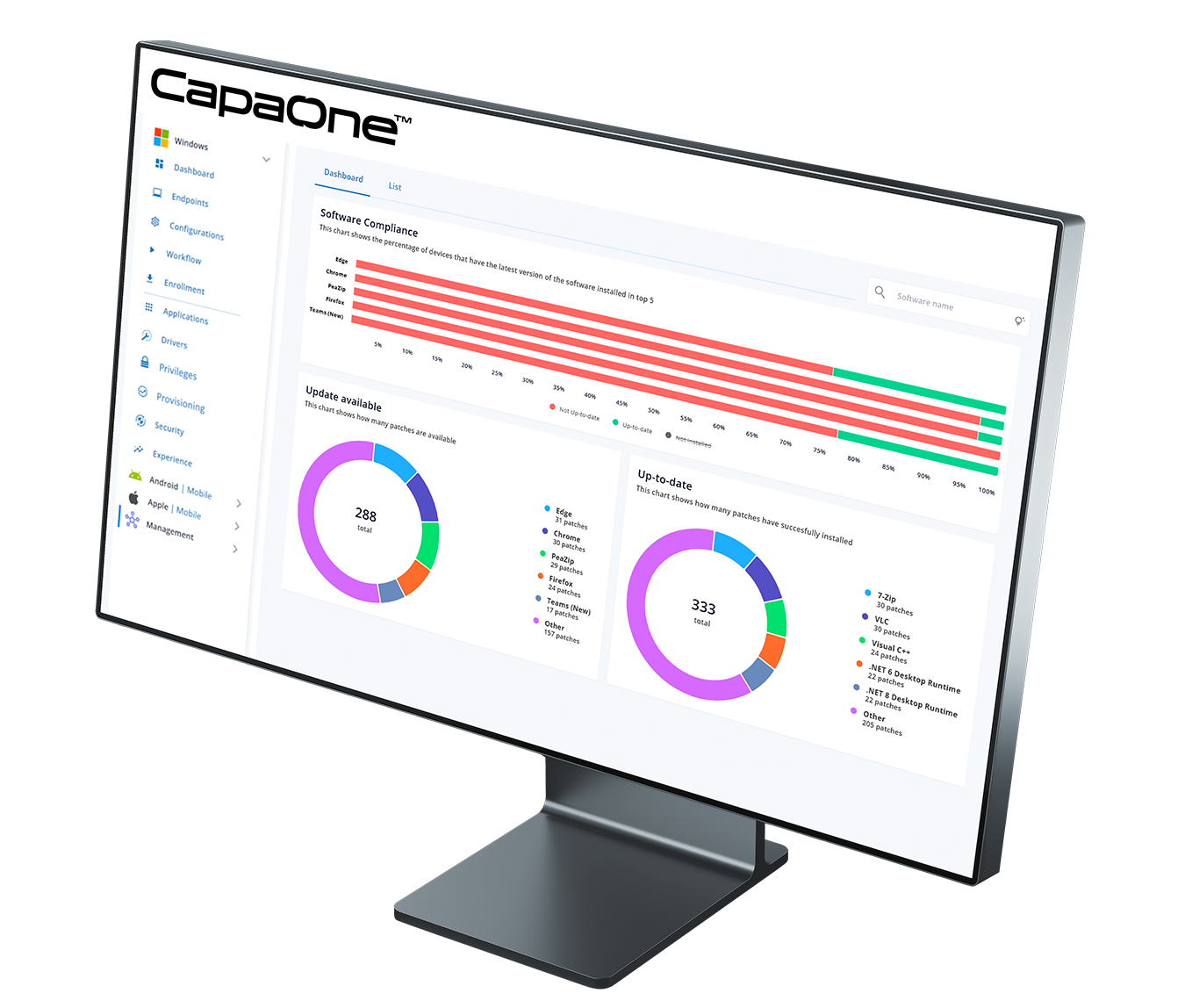
Unify third-party patching, app packaging, and deployment—created to complement Microsoft Intune.

ration
CapaOne-Application-Symbol2
CapaOne-Application-Monitor
CapaOne Application Manager

What You Can Do

Application Manager is your single place to keep software current and deliver applications at scale. Automate third-party updates, package business applications with no code, and orchestrate safe, staged deployments—all while keeping Intune at the center of your endpoint strategy.

Key Capabilities

Catalog & Auto-Updates

Subscribe endpoints or groups to silent updates for common enterprise apps.

No-Code Packaging

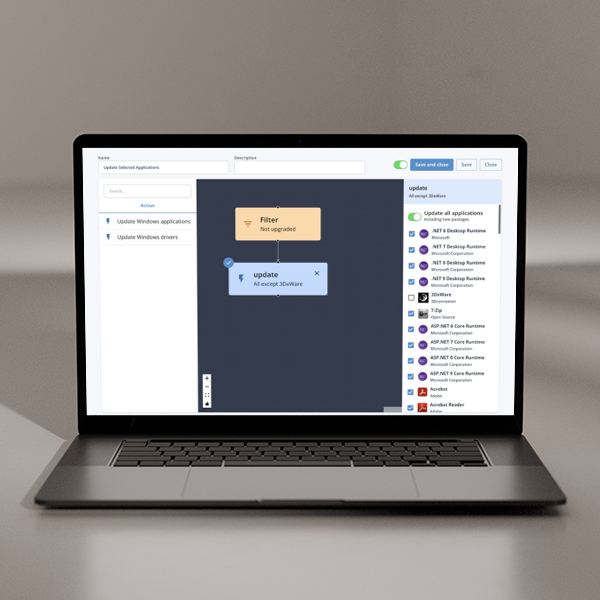
Drag-and-drop installers with detection rules and prerequisite checks.

Intelligent Workflows

Schedule and automated deployments — with predictable timing and no manual effort.

Prebuilt PowerBricks

Essential actions—stop services, set registry values, copy files, create shortcuts, etc.

Pre & Post Actions

Automate the steps around each install, before and after deployment.

Readiness Checks

OS, disk, and battery checks prevent failed or unstable deployments.

Edge Delivery Network

Accelerate software updates globally, minimizing latency and optimizing reliability

Auditing & Evidence

Endpoint-level trails, who/what/when dashboards, CSV exports.

1-Minute Product Walkthrough

How It Fits with Intune

Security & Compliance

Operational Benefits

Goals You Can Achieve

Typical Rollout Pattern

1

Connect & Discover your devices and application inventory.

2

Define Standards per department or site.

3

Test Stagewith real-time outcomes and guardrails.

4

Promote to Production with throttling and windows by location.

5

Report & Prove posture with scheduled evidence exports.

Have More Questions?

A broad, actively maintained enterprise catalog (browsers, runtimes, productivity, security, utilities). Business apps can be onboarded with no-code packaging.

Yes—use test/production stages, Entra ID groups and scheduled workflows, and a globally distributed edge architecture to ensure fast and reliable content delivery.

Automatic and flexible detection. Compliant endpoints are skipped; non-compliant endpoints are remediated.

Automatic retries with backoff, detailed logs in dashboards, and option to uninstall versions if needed

Yes—use essential PowerBricks for common tasks. If needed, add your own PowerShell snippets for advanced scenarios.

Keep Intune for enrollment, security and policy. Target Entra ID groups, reuse existing group structure, and publish alongside existing applications.


Real-time posture by app/endpoint, and exportable CSV evidence for audits.

Typically same day: install the lightweight agent, sync inventory, set baselines, run a test, and then promote.

Latest from Us

CapaOne Unveiled: A New Chapter in Endpoint Management Begins

For more than 30 years, CapaSystems has worked side by side with IT professionals, helping them manage complex endpoint environments with confidence and control. What began as a trusted on-premises solution has evolved—step by step—alongside the changing realities of modern IT. Today, that journey reaches an important milestone. With the launch of CapaOne, we introduce […]

Rikke Borup
No comments

5 Steps to Strengthen Driver Compliance and Stability in Modern Endpoint Environments

Whitepaper: 5 Steps to Strengthen Driver Compliance and Stability in Modern Endpoint Environments How IT teams strengthen stability, reduce drift, and meet emerging compliance expectations Introduction to the Whitepaper Driver compliance and updates used to be a maintenance task. In modern endpoint environments, they’re a stability and compliance requirement. Hybrid work and diverse hardware models […]

Rikke Borup
No comments

Ready to get started?

Consolidate your Endpoint Operations with CapaOne

Top